Screen shots of Aquator
Aquator window
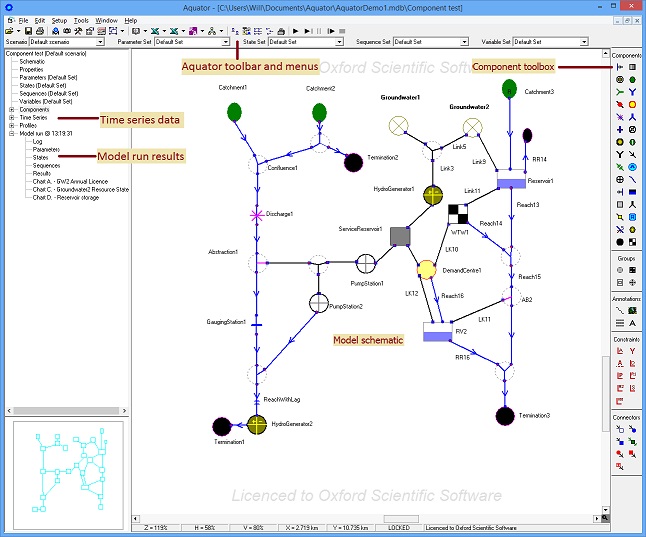
Below is a full view of the Aquator window after a model run showing the model schematic,
Aquator toolbar, Component toolbox and location of data for Components, Times series
data and Model run results. (Click on the image to display an expanded image in
a new window).
Schematic animation
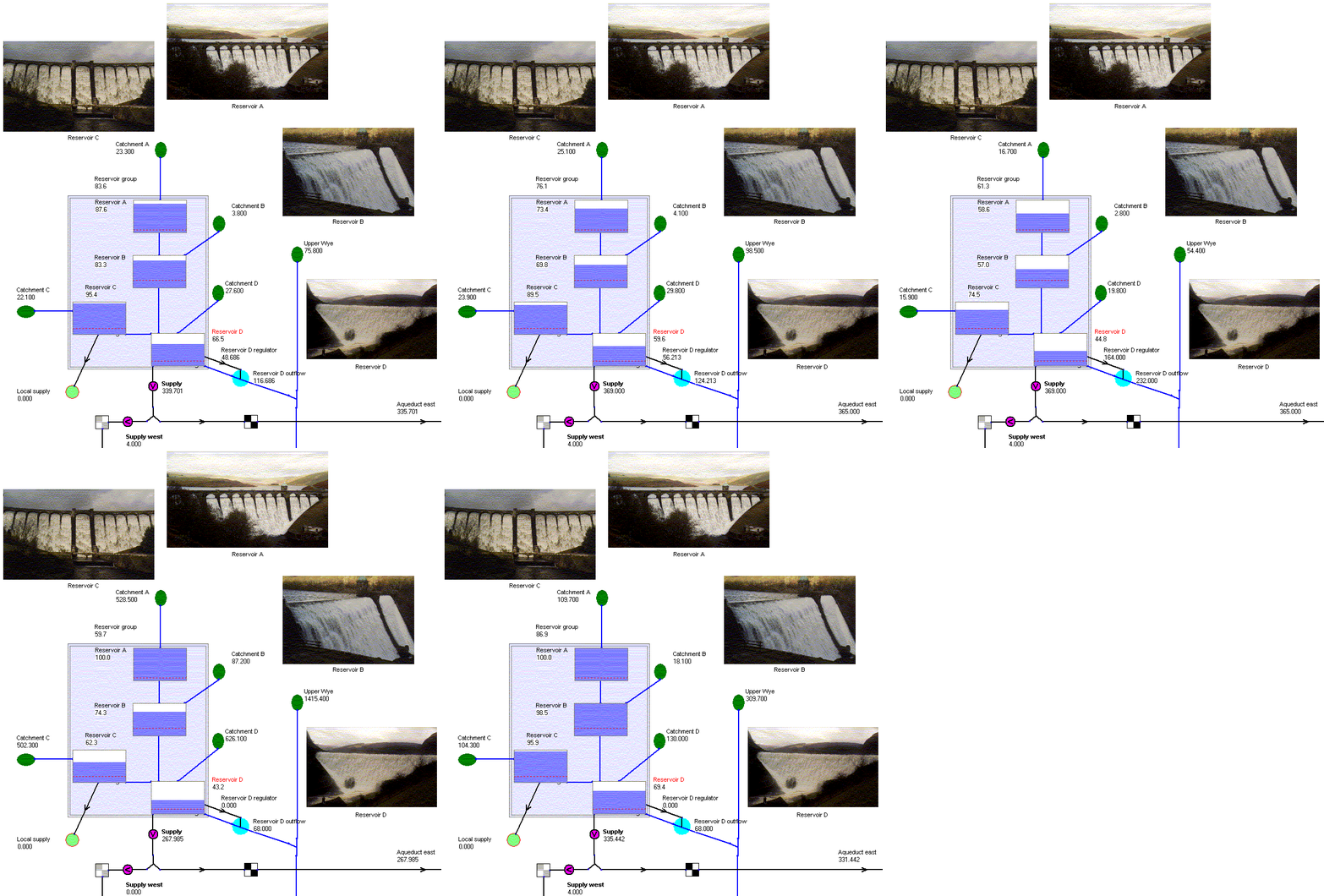
Below is an illustration from part of a larger model of the animation in Aquator.
In it four reservoirs, each fed by river catchments, are coupled to the supply system
by an outflow from Reservoir D which also maintains the River Wye
flow during dry conditions using the regulator component: Reservoir D regulator.
Reservoirs A, B and C flow into Reservoir D using a set of control
rules, which are modified by VBA code applied to Reservoir D to ensure
that the complex operating rules required by the environmental regulator are satisfied.
(Click on the image to display an expanded image in a new window.)
|